The LangLion Platform is equipped with a document template editor, including the student’s contract. By using this tool you will create a good student contract and automatically fill it with data. It will certainly save you time.
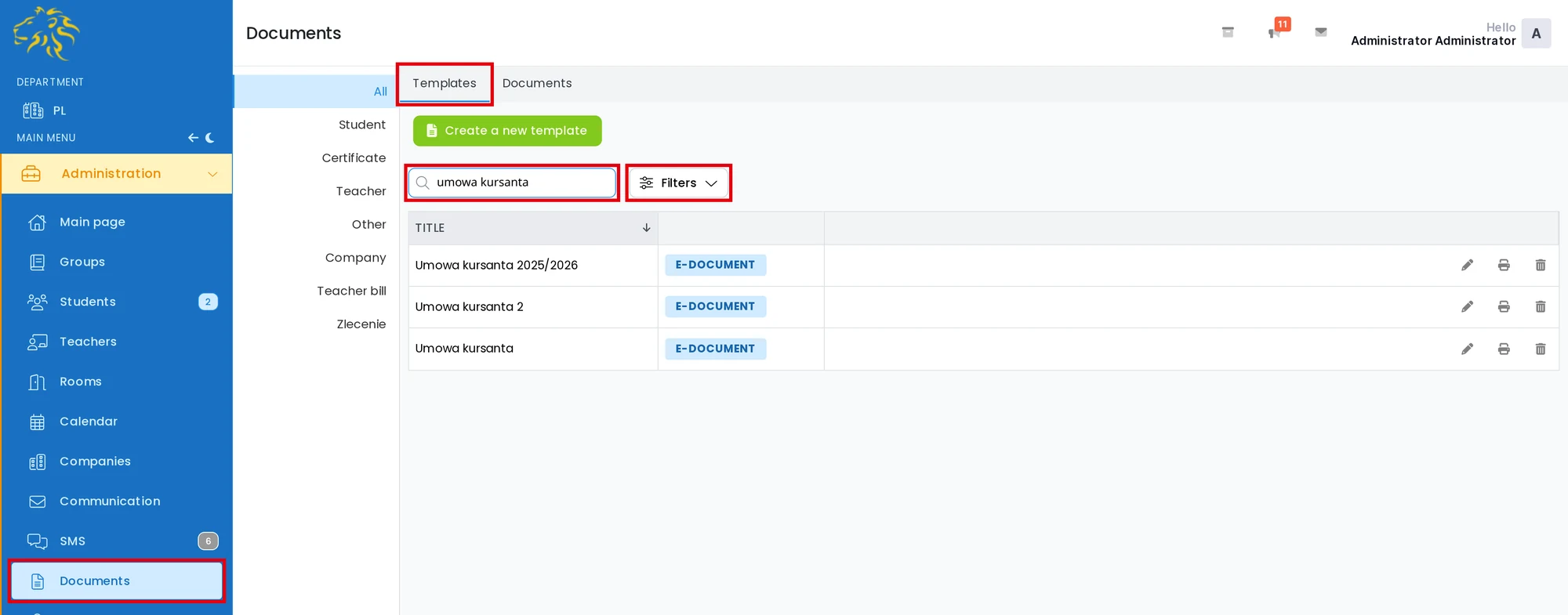
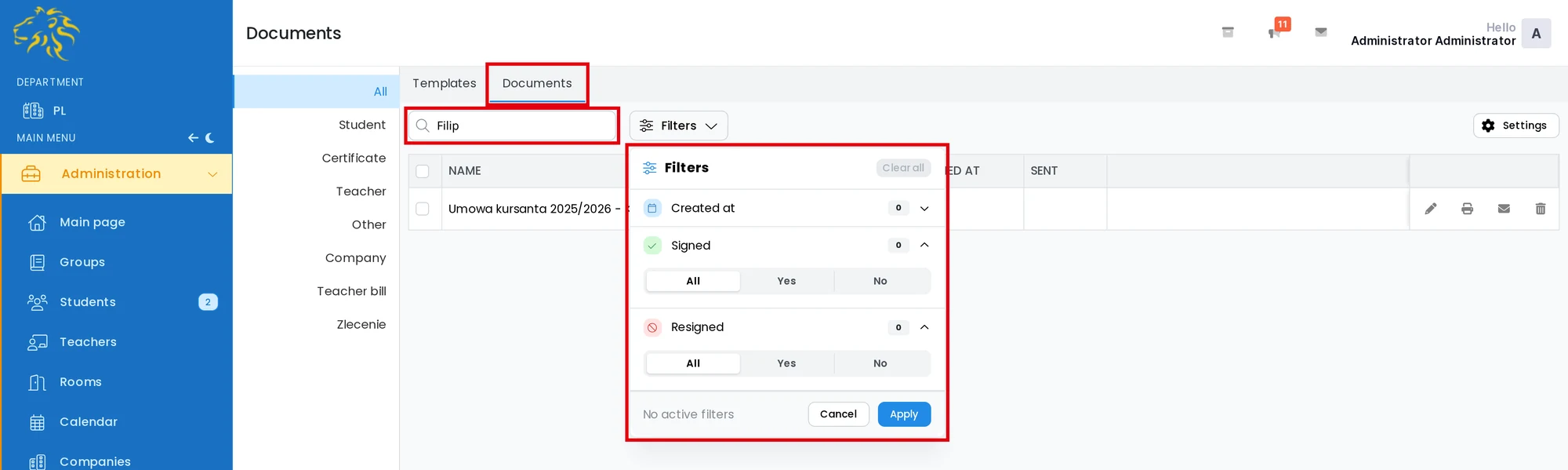
In order to find a template or contract easier, you can use the search engine above the list of documents. Click on the field with a magnifying glass and enter the name of the template or document, or the student's first and last name. A contract number can only be found if it is part of the document name.
You can also narrow down the list of documents with the Created at, Signed and Resigned filters, and the list of templates with the E-document filter.