
Besides the traditional payment methods, such as paying in cash at the school office or by bank transfer, you can pay an instalment using PayU. PayU processes a transfer much faster than a bank transfer, and it usually takes just a few minutes from making the transfer to the payment being recorded in the system.
How can I pay with PayU?
It's simple: go to the "Payments" tab and click "Pay online" on the "Next payment" card (or "Overdue payments" if you have overdue instalments), or on the instalment plan of the group. The button is shown when the school offers online payments and you have something to pay.
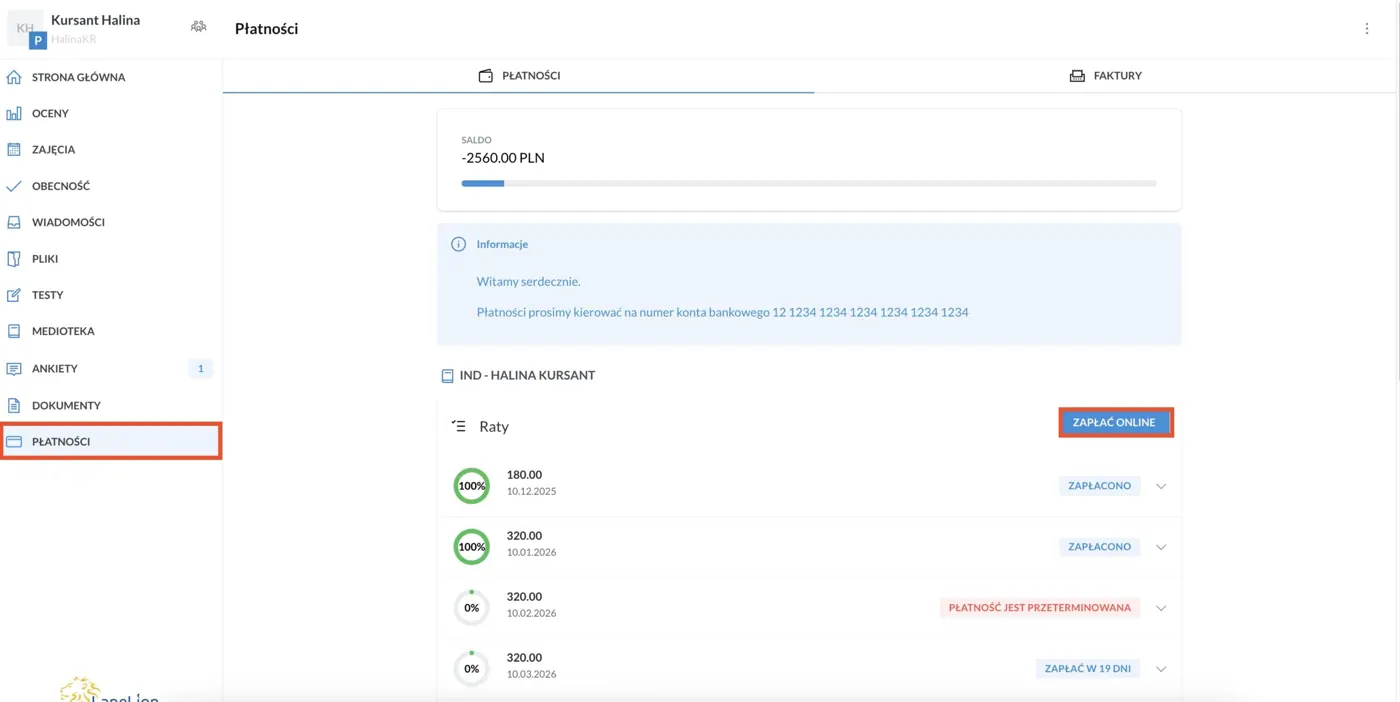
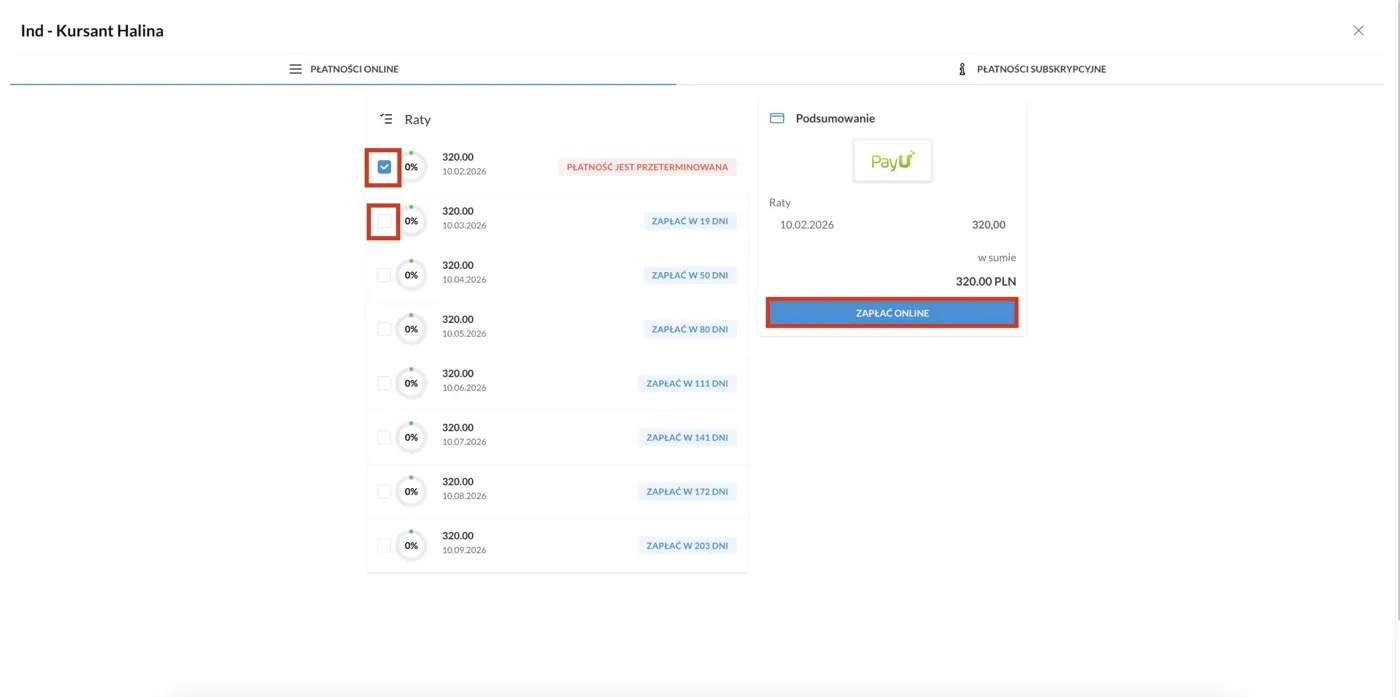
In the next window, select the instalments you want to pay, choose one of the available payment methods and confirm by clicking the "Pay online" button.
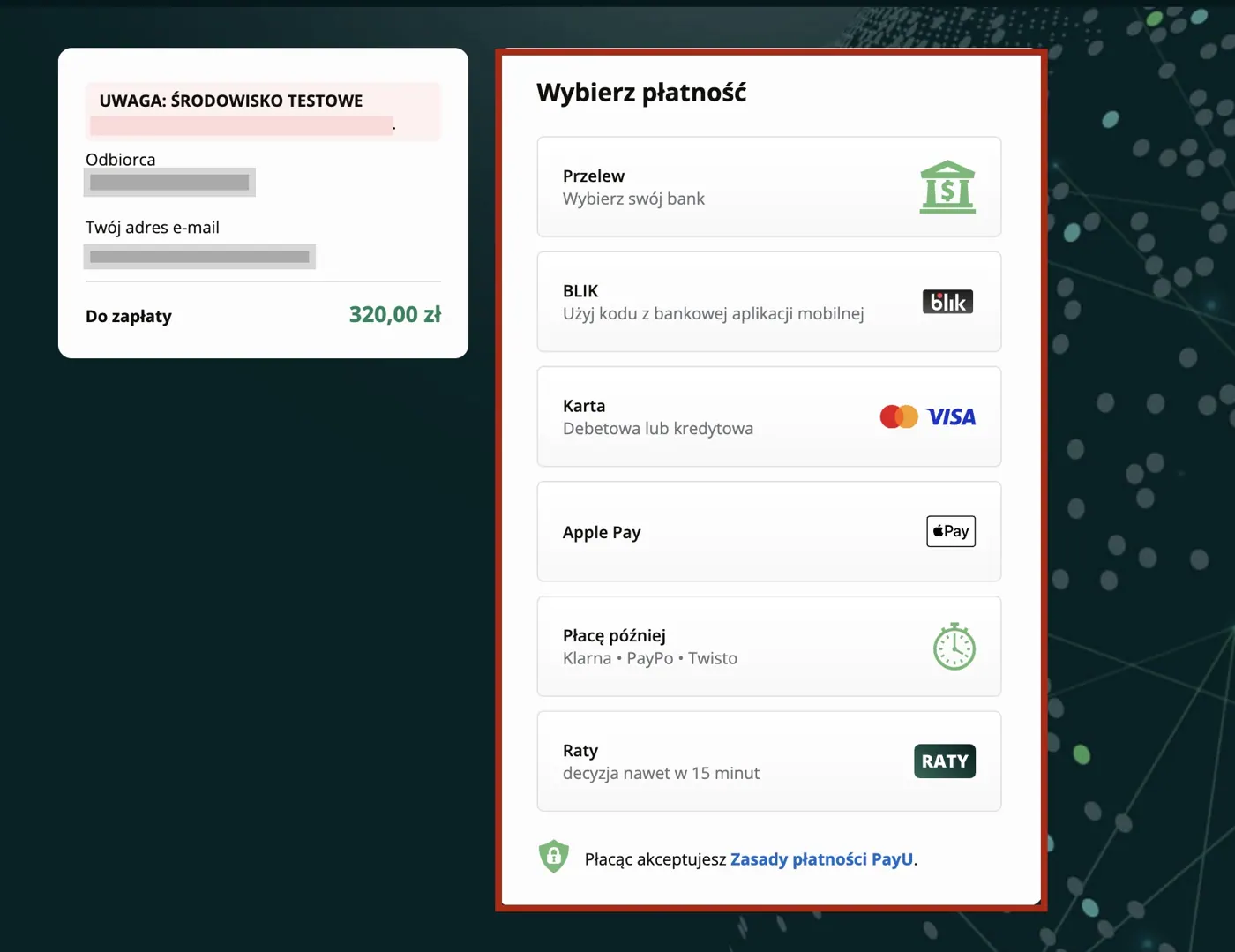
After you pay, you will receive an automatic payment confirmation from PayU by email. The message contains a link to a page where you can track how the payment is being processed. While the payment is being processed, the system will show you that it is in progress.
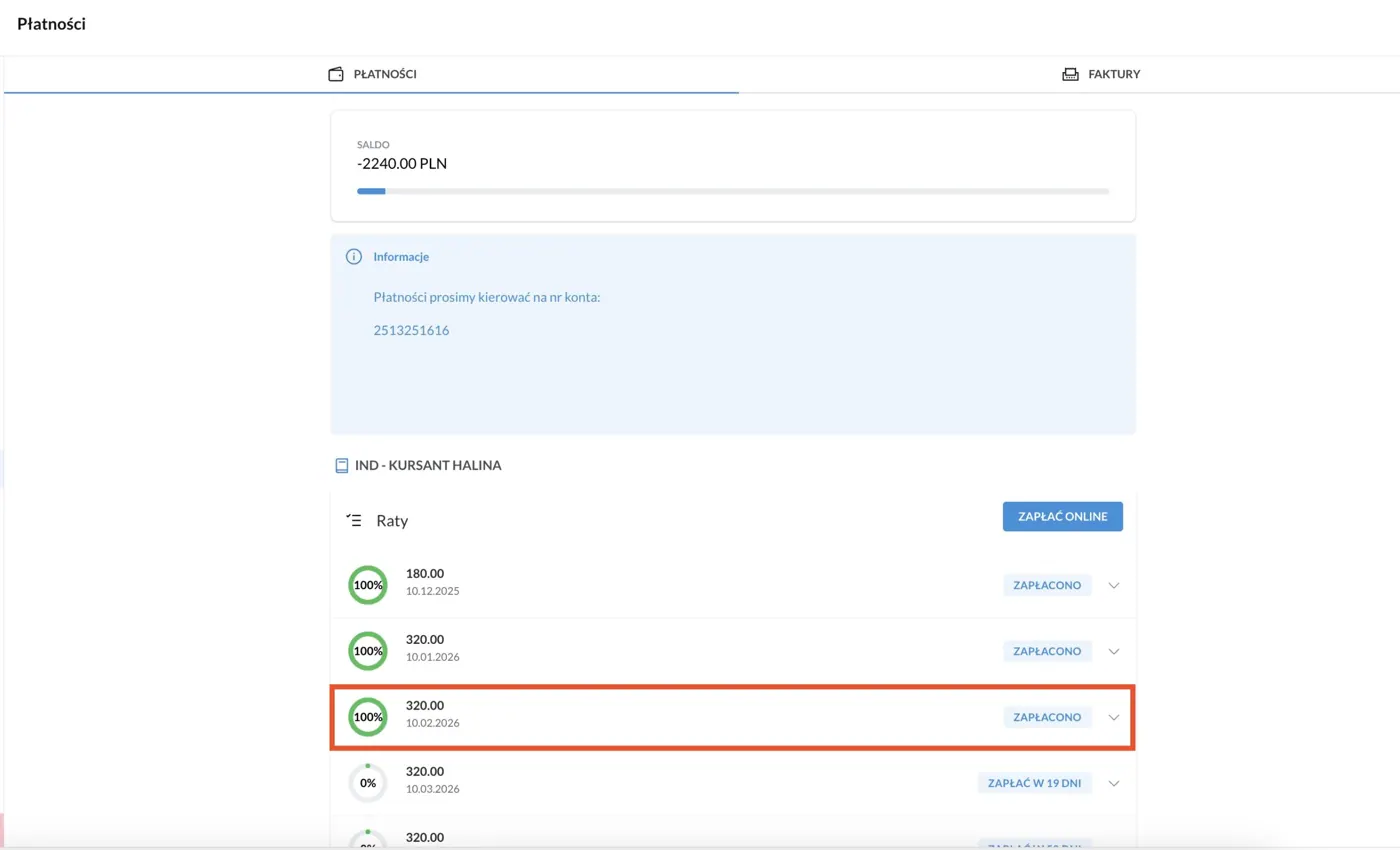
Done, the instalment has been paid.