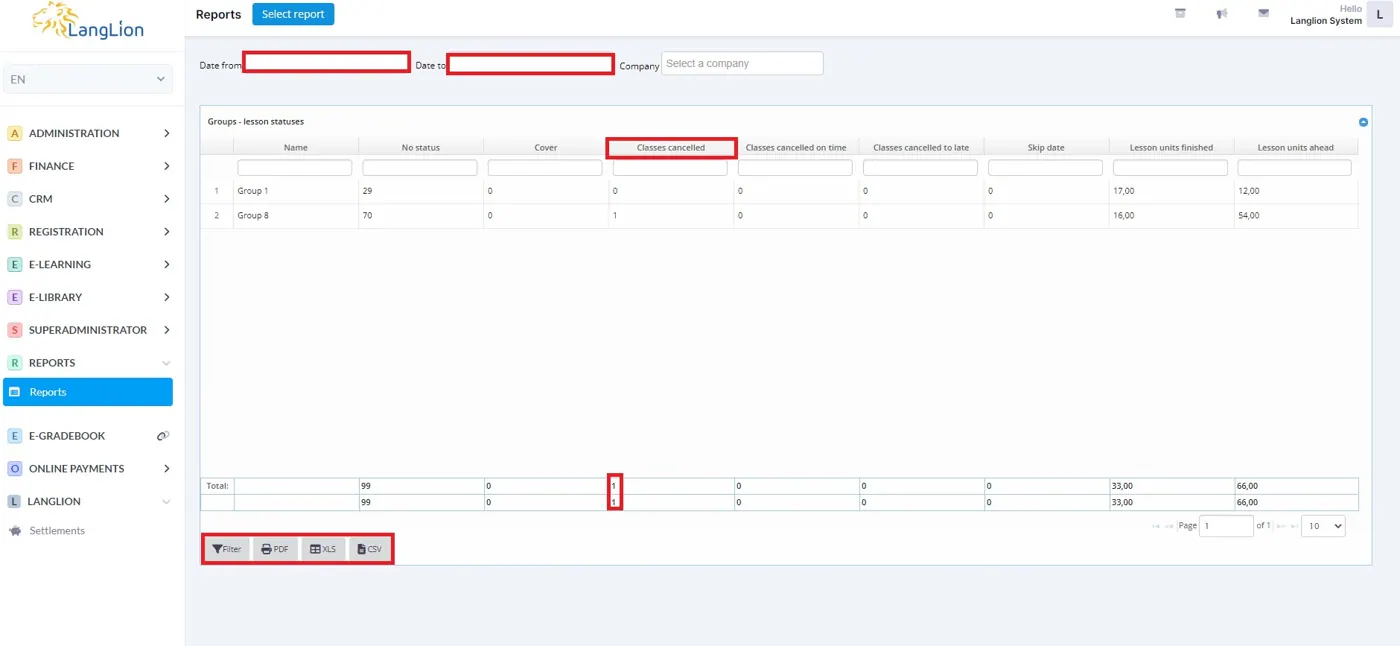
In order to draw up a summary of cancelled classes, please use the report Groups – lesson statuses. This report allows you to verify how many times the class status has been used during the course.
How to draw such a report?
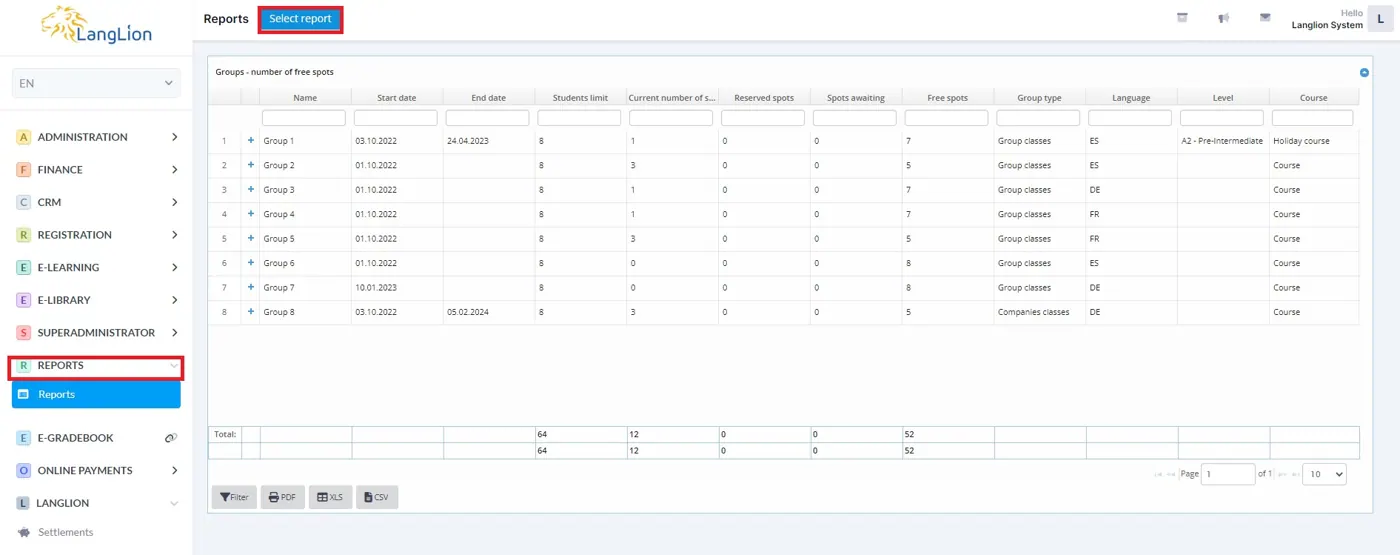
Go to the Reports module and click on the Select report button.
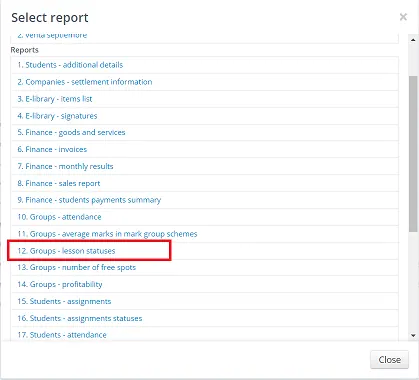
Then, select Groups – lesson statuses from the list of reports.
Now, the report has been displayed. You can enter date filters. The column with the cancelled class status represents the number of cancelled lessons in the selected time range in each group.