
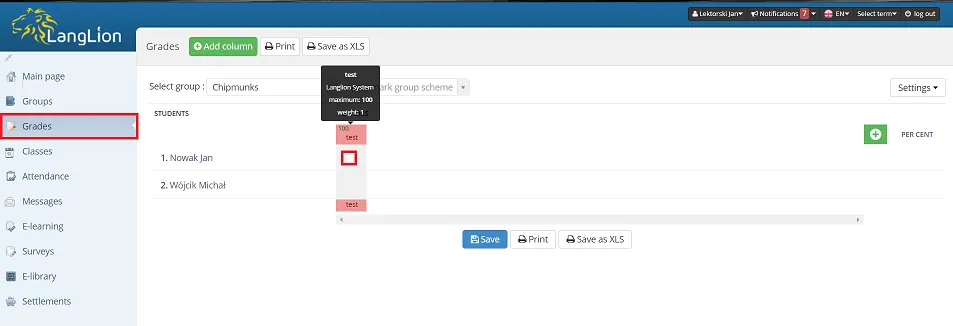
The most likely reason is that the teacher has no permission to columns added by the administrator or by another teacher of the same group.
How can I fix it?
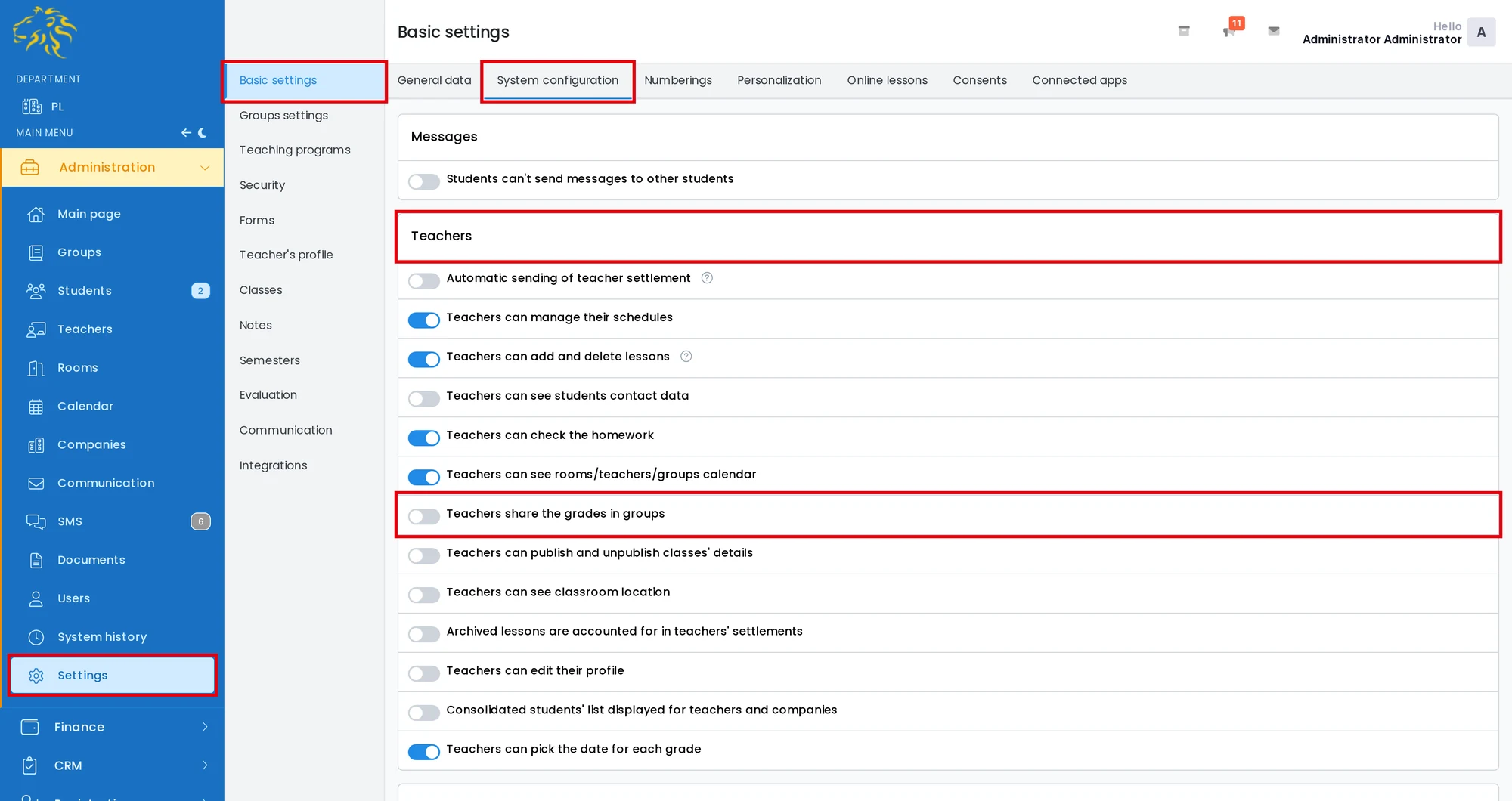
Go to "Administration" → "Settings" → "Basic settings" and select the "System configuration" tab. In the "Teachers" section, enable the "Teachers share the grades in groups" option. Save the changes, log out and log in again.
Ask the teacher to log out and log in again too. They will now be able to enter grades even if the column has been added by another user.