
You can do it in a simple way – just go to the Teacherstab, next Salaries tab and click on the Download payroll report button.
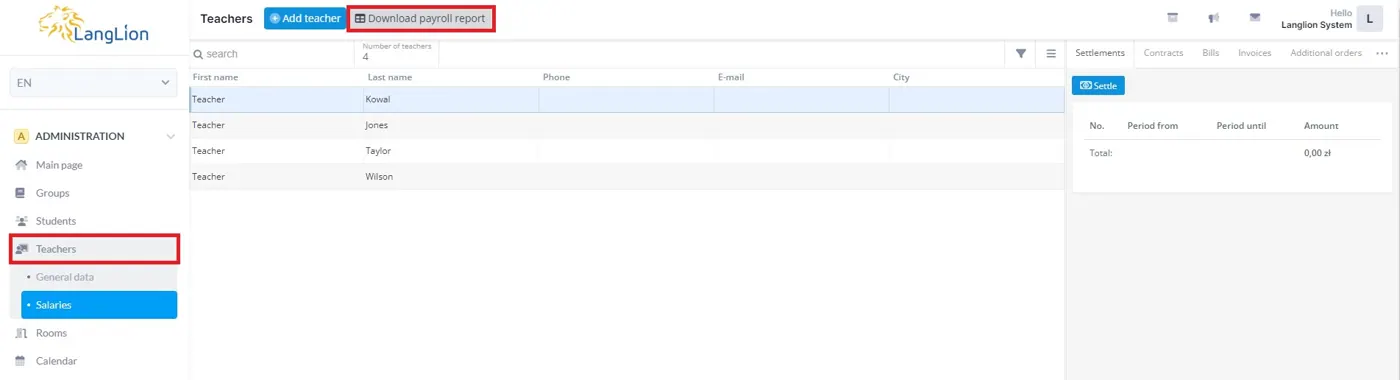
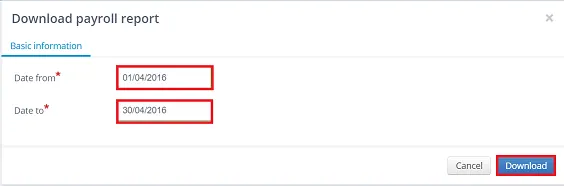
In the next step, enter the date range and click on the Download button.
Teachers’ payrolls have been transferred to a spreadsheet. In order for the report to contain all information, the fields of the Settlement details tab in the teacher’s form must be completed and teachers’ settlements should be correctly saved.