
Thanks to the daily transactions report, you have the additional option of compiling a financial report. The summary displays the sums of transactions per day, including payments and returns.
How to prepare this report?#
- Go to the “Finance” module and select the “Transactions” tab.
- Set the list filters – above all the date range in the “Date” filter. You can also narrow the list down, e.g. by payment form, currency or branch. The report covers exactly the transactions you see on the list.
- Click “Export” and under “Transactions daily” choose “Export to XLS” or “Export to CSV”.
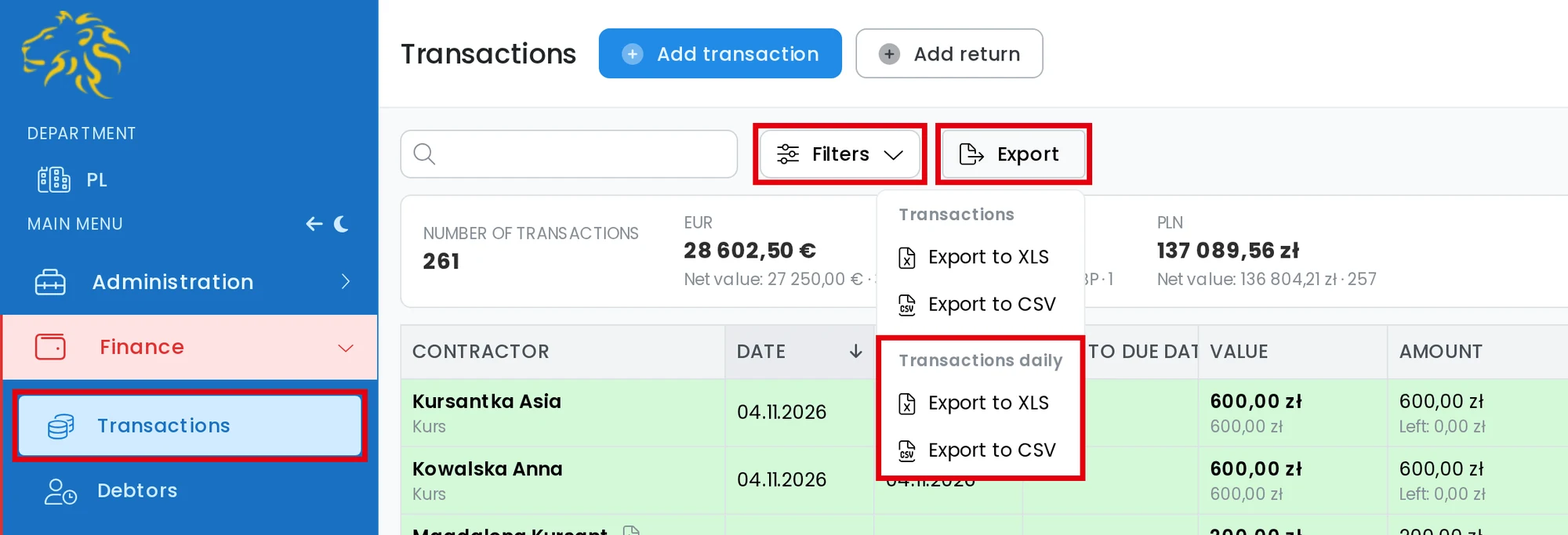
The file is downloaded straight away – there is no separate window with a date range.
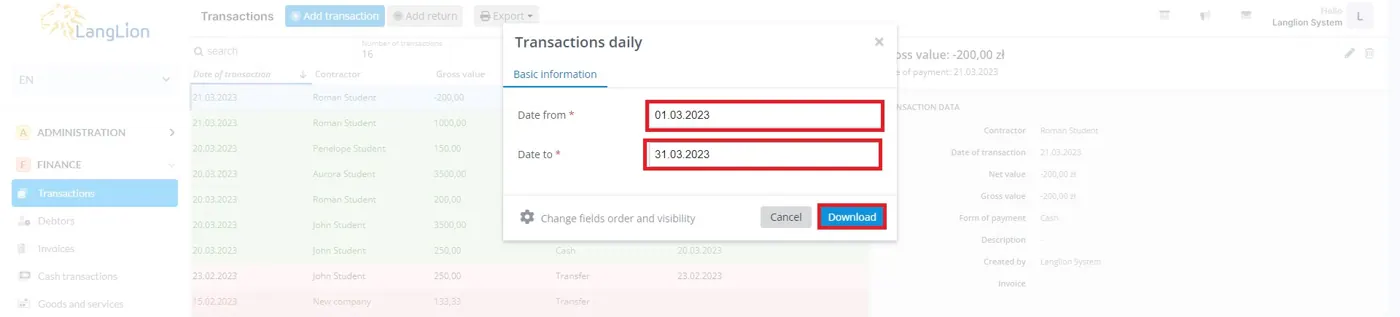
Done! The report has been prepared and you can open the results in a spreadsheet.