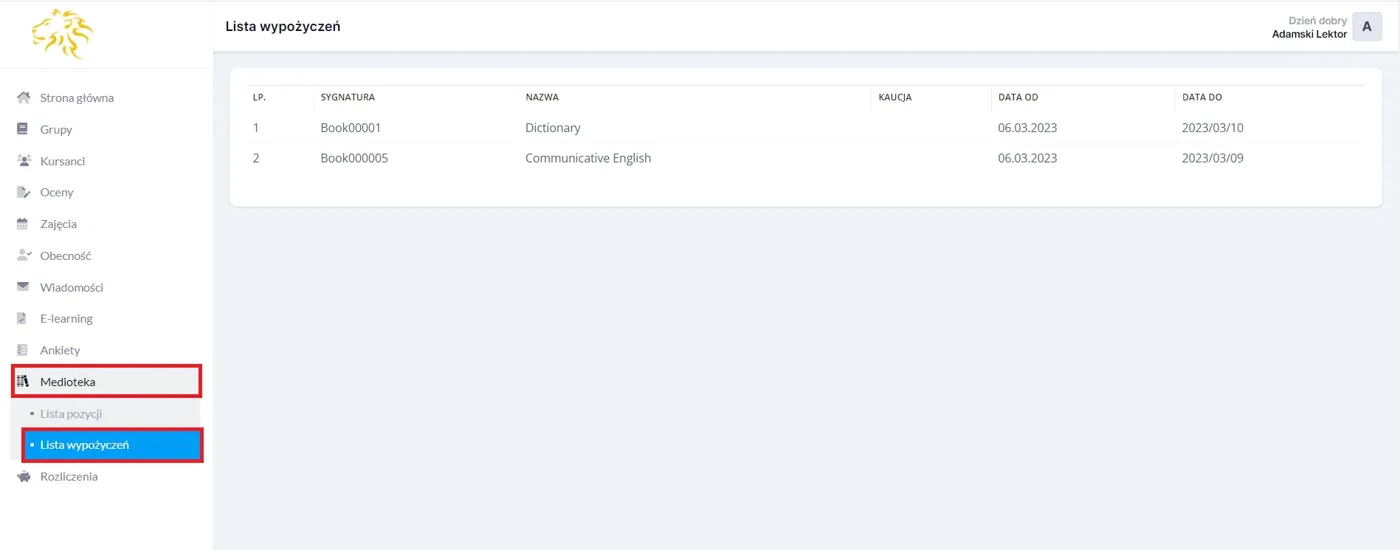
The "E-library" module lets you borrow various kinds of learning materials, e.g. books, magazines, CDs etc. Find the item you need, reserve it and borrow it at the school.
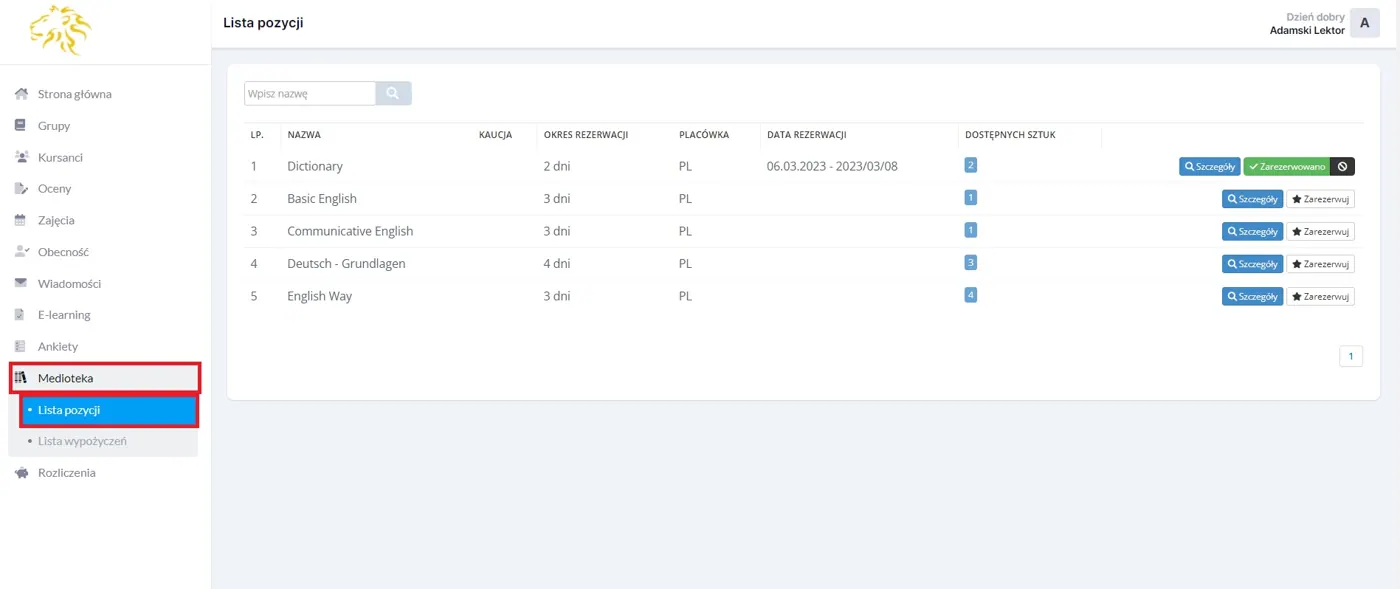
The "Items" tab shows all E-library items available at the school. The list also includes information about the loan period and the number of copies available.
Want to find out more about a specific item? Click the details option.
If you want to reserve an item, click "Reserve" and enter the reservation date. To borrow the item, go to the school, where the administrator will finalise the reservation. After that, the borrowed item will be shown in the "List of borrowing" tab.