After logging in to the account, the first page that is displayed is the Main page tab view.
In the right upper corner, you can see a beam which contains:
- access to your profile and its settings
- system notifications related to events within the groups in which you teach,
- option to change the interface language,
- option to change the semester (if the school uses them in their daily work)
- logout option.
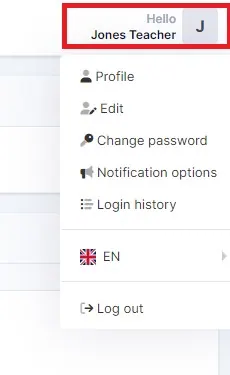
By clicking the button with the user’s name, a menu is displayed:
- Profile – you can view your details
- Edit – here you can make changes in your profile. You can change the e-mail address, edit the phone number, enable or disable the consent to receive e-mails.
- Change password – change your password for the account.
- Notification options – here you have the option of deciding which notifications from the system you want to receive.
- Login history – check how many times you have successfully or incorrectly logged in to your account.
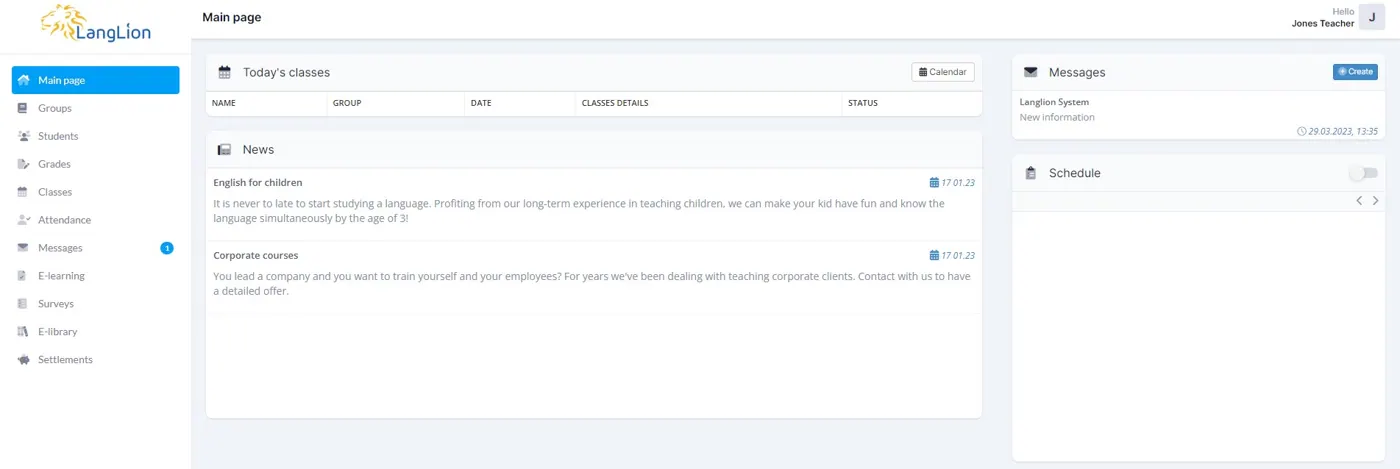
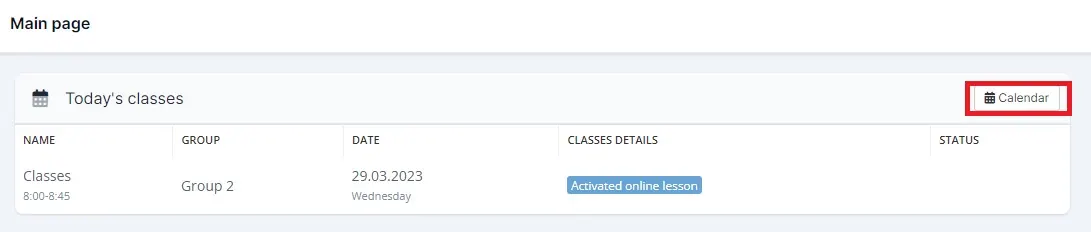
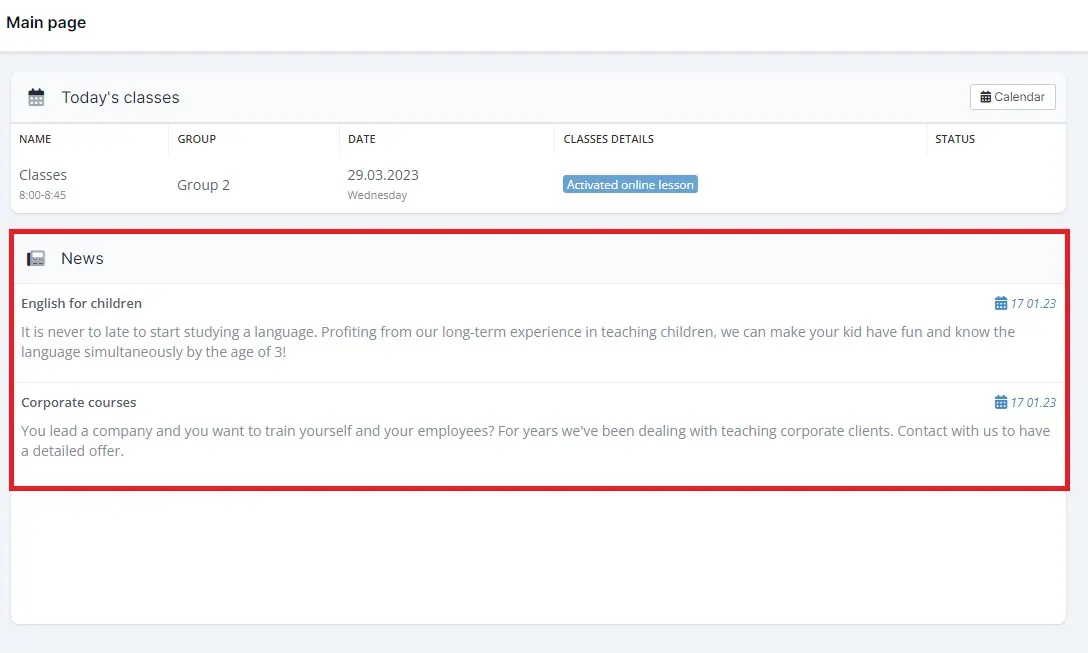
Another part of the main page is the field Today’s classes In this field, you can quickly see which group you are teaching in today.
Click on the Calendar to view your weekly class schedule.
The next part of the page is the Messages window.
In this field, you can see unread messages sent to you (if there are none, “no new messages” is shown). Each item contains information about the sender from which the message was sent, its subject and the date and time.
If you want to send a message quickly, click Create.
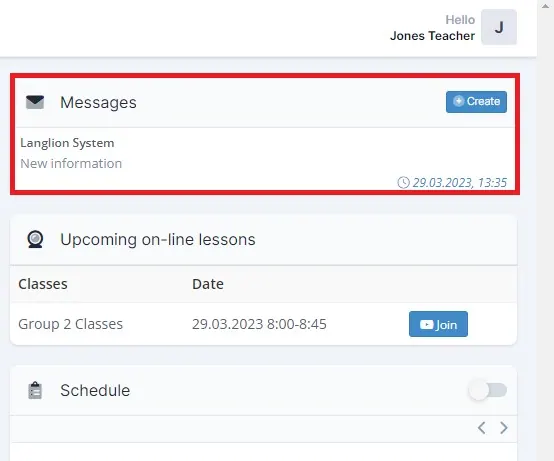
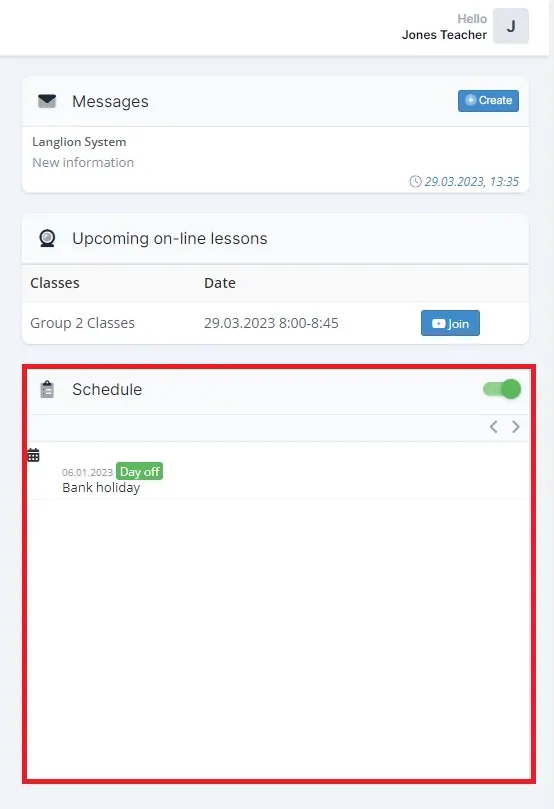
In the Upcoming on-line lessons field you can see your upcoming online lessons (class and date) with a button to join. The field appears only when you have online lessons scheduled.
In the News field you can see announcements posted by administrators, information about the school events, meetings, new courses, etc. Each announcement in the news contains the title, content and date of publication.
The Schedule contains information on holidays and events. The schedule is managed by the administrator.
You can browse through the next pages of the schedule using the „<„, „>” buttons and view the events that have already passed by clicking on the Show past events option.