
In situations where a group of several students may not attend classes for various reasons, you have the option of marking classes that the students will attend or not.
How do I mark classes?
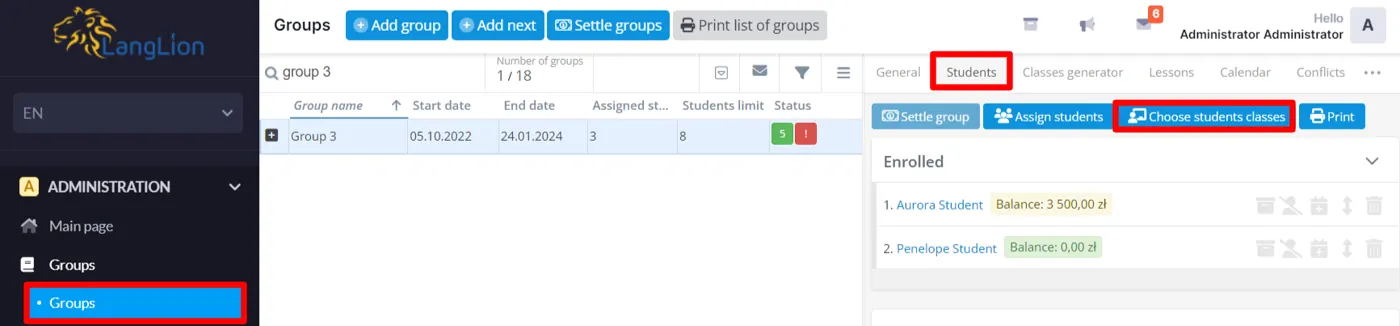
It’s simple – just go to the „Groups” tab and select the right group. Then, go to the „Students” tab and click the „Choose students’ classes” button.
A new window will appear, and by default, all classes are marked for each course. Deselect those which the student can not attend and save changes.
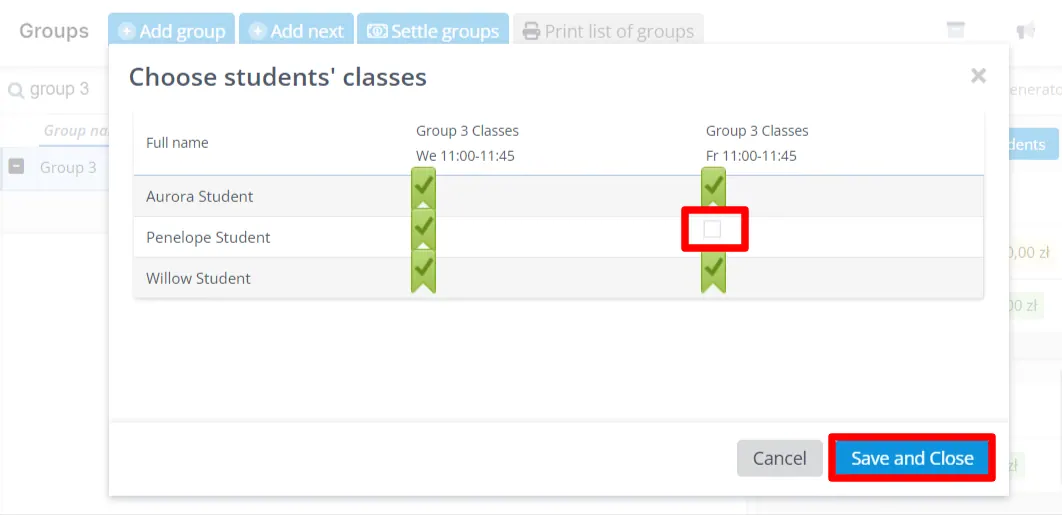
From now on, the student will not be visible on the list in deselected classes.