
In this tab we can create classes and add them various details.
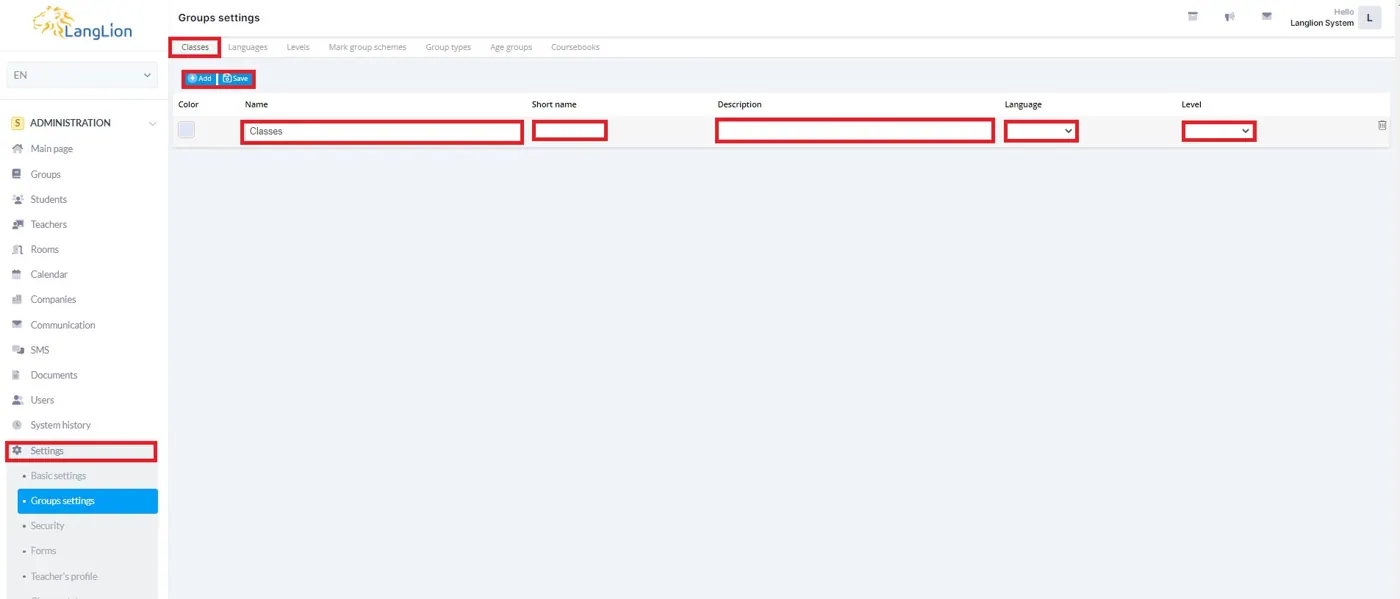
- To add new classes click on Add and type the name of classes, short name, description, language and level. If calendar colours are enabled in the system, you can also choose a colour for the classes in the Color column.
- To add next classes click on Add.
When we are willing to remove classes, click on the trash icon on the right side of the given classes.
When we finish adding classes on the list, click Save.
You cannot remove classes with assigned lessons.