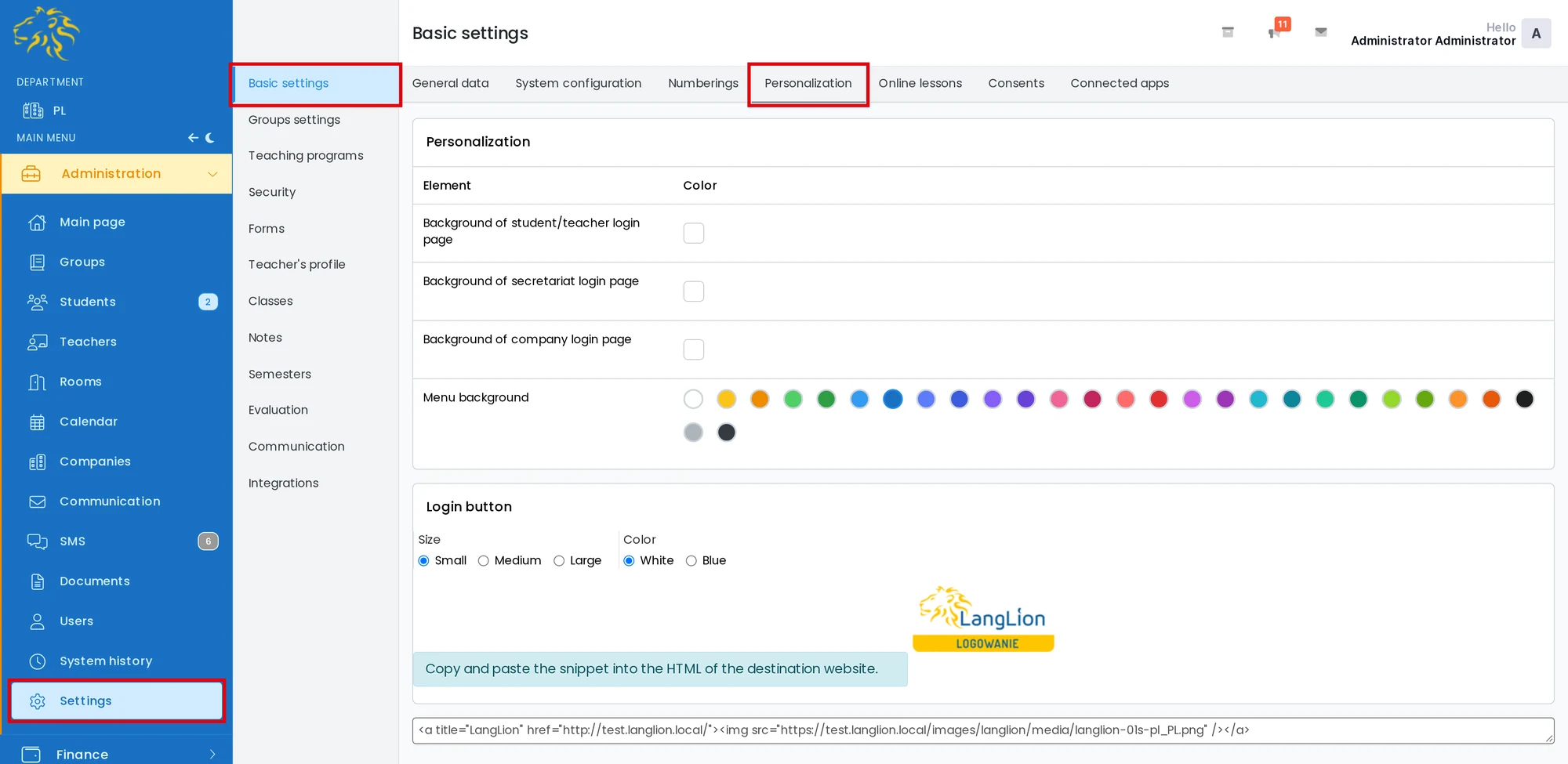
In the Personalization tab, you can set the page colors and generate login button. Choose a color for the:
- background of the student/teacher login page,
- background of the administration login page,
- background of the company login page,
- menu background (you pick one of the ready-made colors).
Do you have a website? Use the available „Log in” button that you can place on your website. It transfers the student to the login panel.
Just specify the size and color, and then copy the generated button code and paste it into your website code.