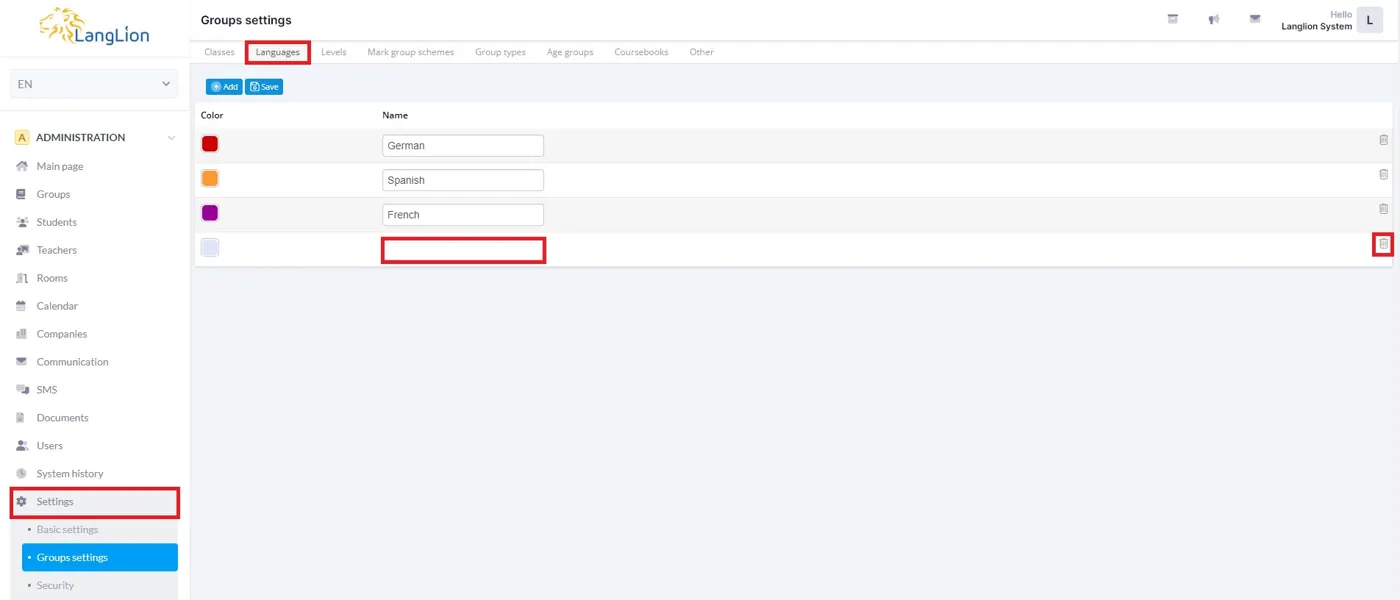
To add languages:
- Go to the Administration module, Settings tab and then Groups settings,
- Choose the Languages tab,
- Click on the Add button,
- Enter the language name (and, if calendar colours are enabled, choose a Color),
- Once you finish, click Save.
If you make a mistake, you can delete the entry with the trash icon.