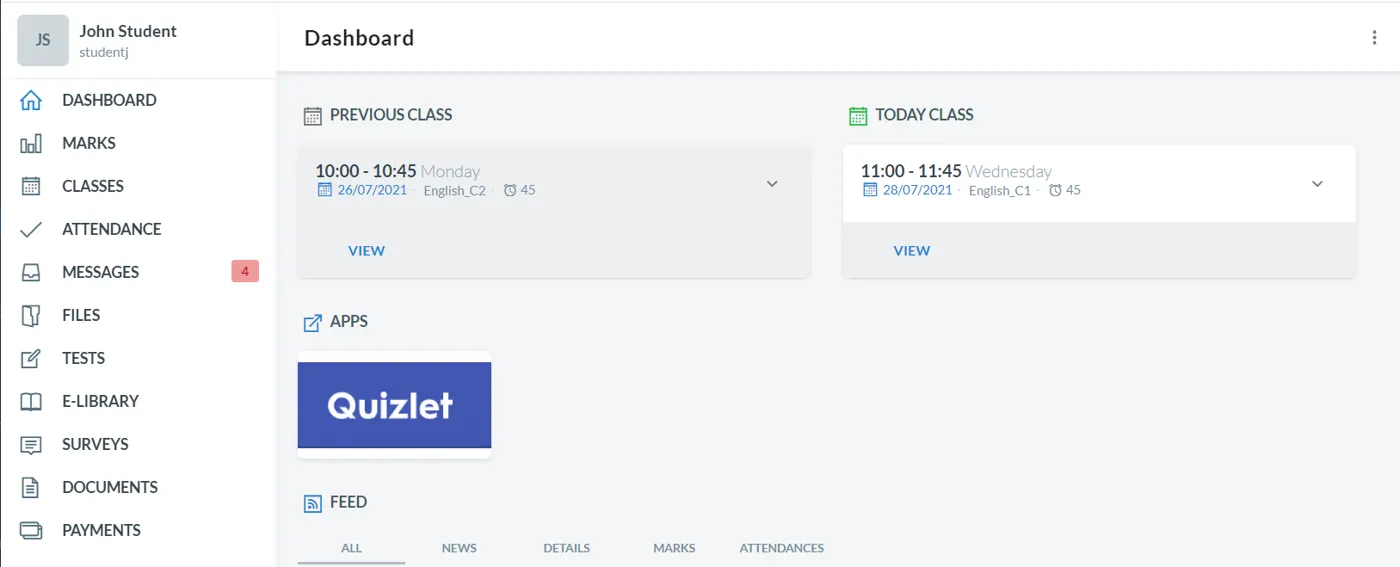
LangLion Platform allows you to add a button that redirects to an external application like Quizlet. The button will be available in the student’s panel.
To add aplication go to Setting tab in Administration module. Click Basic settings and choose Connected apps.
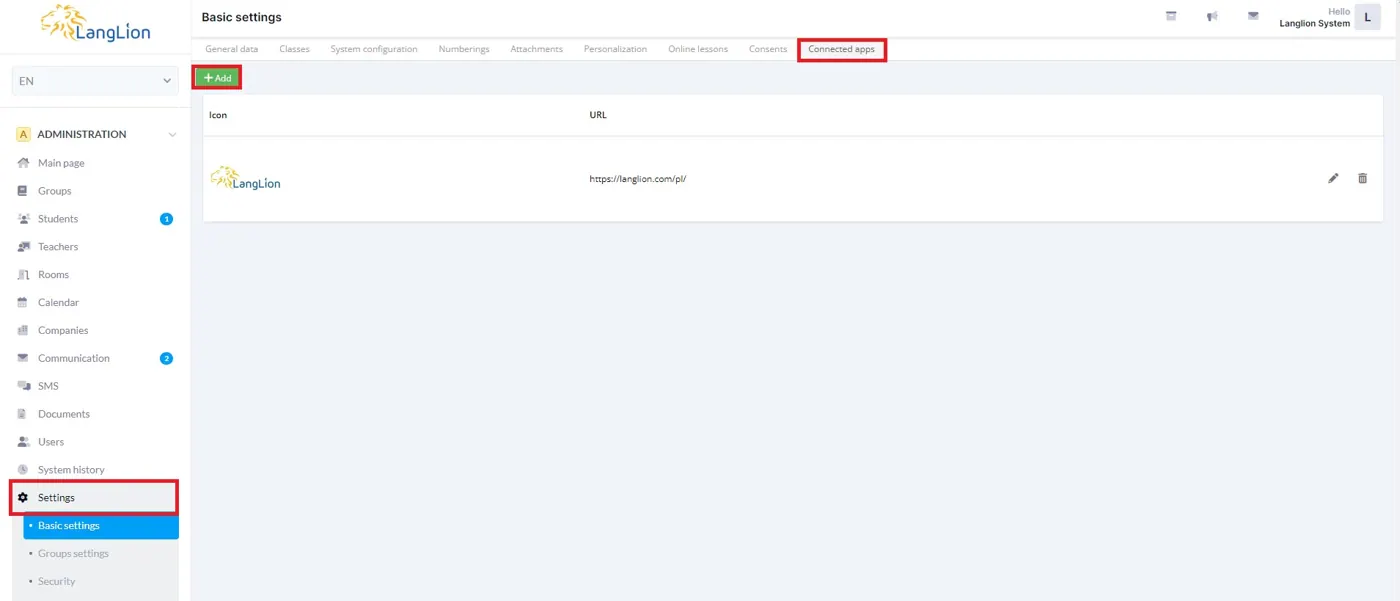
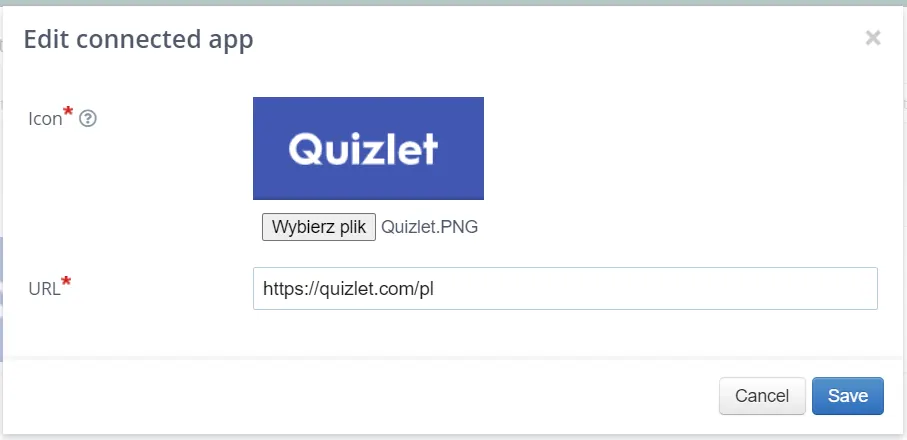
Click Add button. In the new window insert logo and URL.
Button redirecting to an external application can be found on Dashboard in Student’s panel.