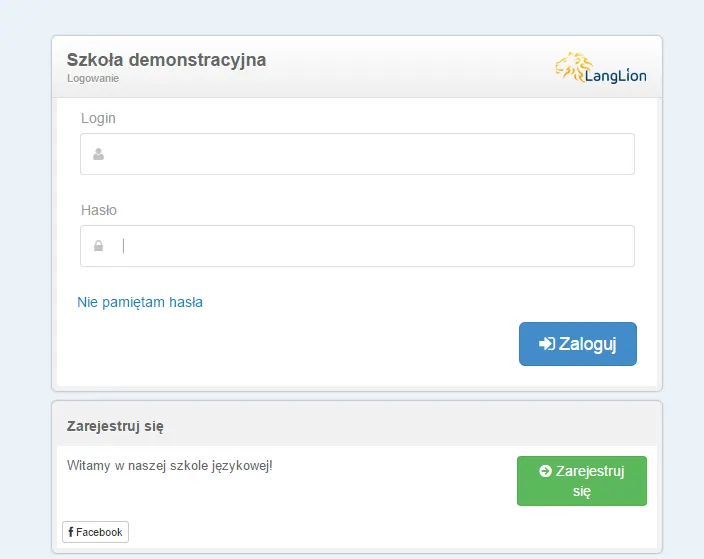
Users with different system roles can log in to the LangLion Platform: administrators, teachers, students, parents and company managers. Users have different permissions for using the LangLion Platform. That is why the login panels are available at different addresses, and you are most likely trying to log in using the wrong one.
How do I log in to the LangLion Platform correctly?
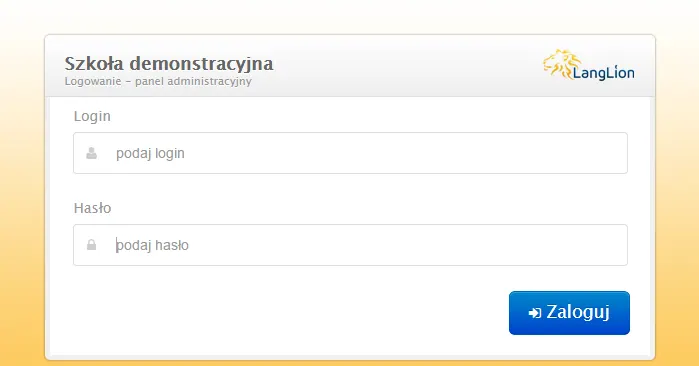
The first login panel is at ...langlion.com/office, where the dots stand for the name of your instance. This panel is for administrators. If you are an administrator, use this address.
The second panel is for students, parents and teachers. It is at ...langlion.com. If you are a student, parent or teacher, use this address.
Company managers log in at a separate panel: ...langlion.com/firm. If they try the main panel, they are redirected there.
If an administrator tries to log in to the panel for students, parents and teachers, they will see the message "Invalid user or password." even if the login and password are correct. In that case, use ...langlion.com/office.