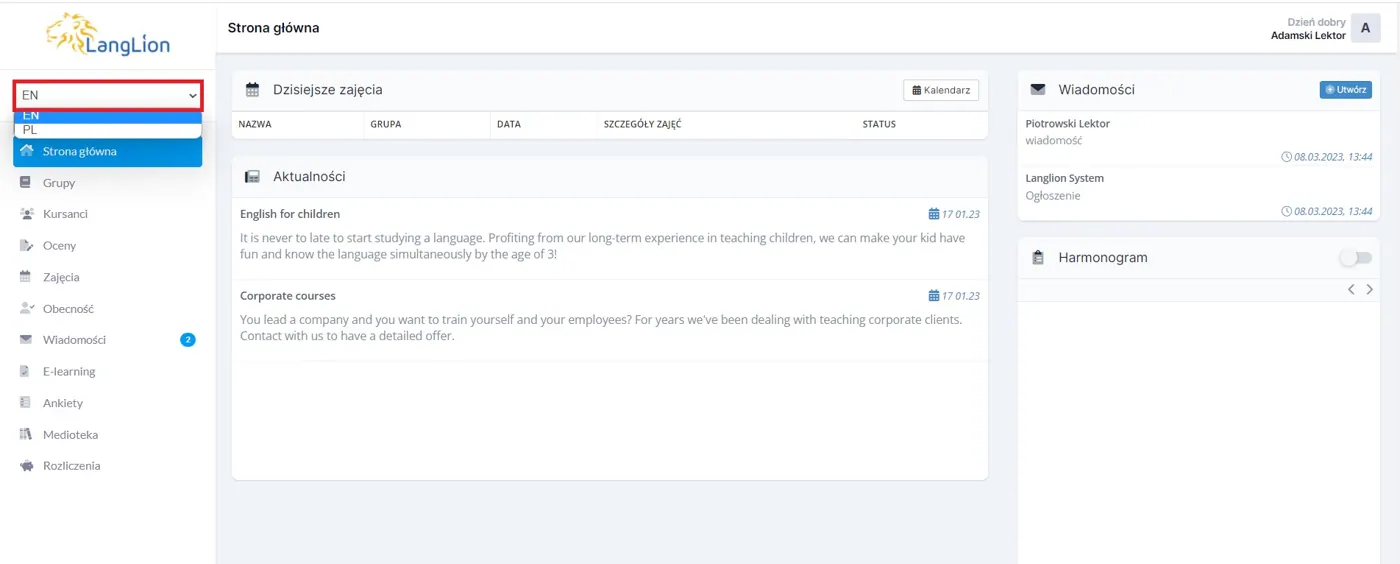
When you add a teacher to the system, they are given an account. The Superadministrator module has an option that saves you from creating extra accounts for a teacher who works in more than one branch.
How do I give a teacher access to the branches where they work?
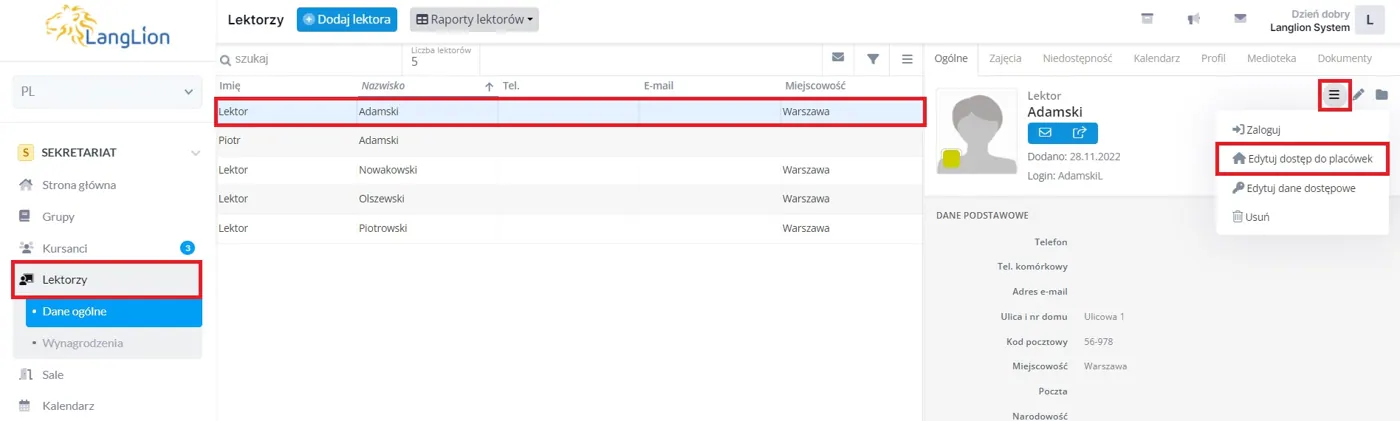
It's easy. Go to the "Teachers" tab and click the person. Then, in the "General" tab, open the "More" menu and select "Edit access to departments".
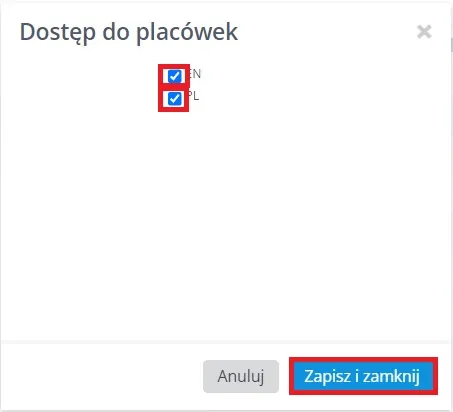
Next, in the branch access window, tick the branches where the teacher will teach and save the changes.
Done – from now on, the teacher will be able to switch between branch views in their account and manage their classes. Administrators working in the selected branches where the teacher teaches will be able to choose them when creating classes in groups.