
The "Payments" tab is most likely missing from the student's account because the "Hide payments tab in students view" option is turned on. This option hides the student's payment information with the school.
How do I turn off hiding payment information in the student's account?
Go to "Settings" in the "Finance" module and select the "Additional options" tab. Then clear the "Hide payments tab in students view" option and save the changes.
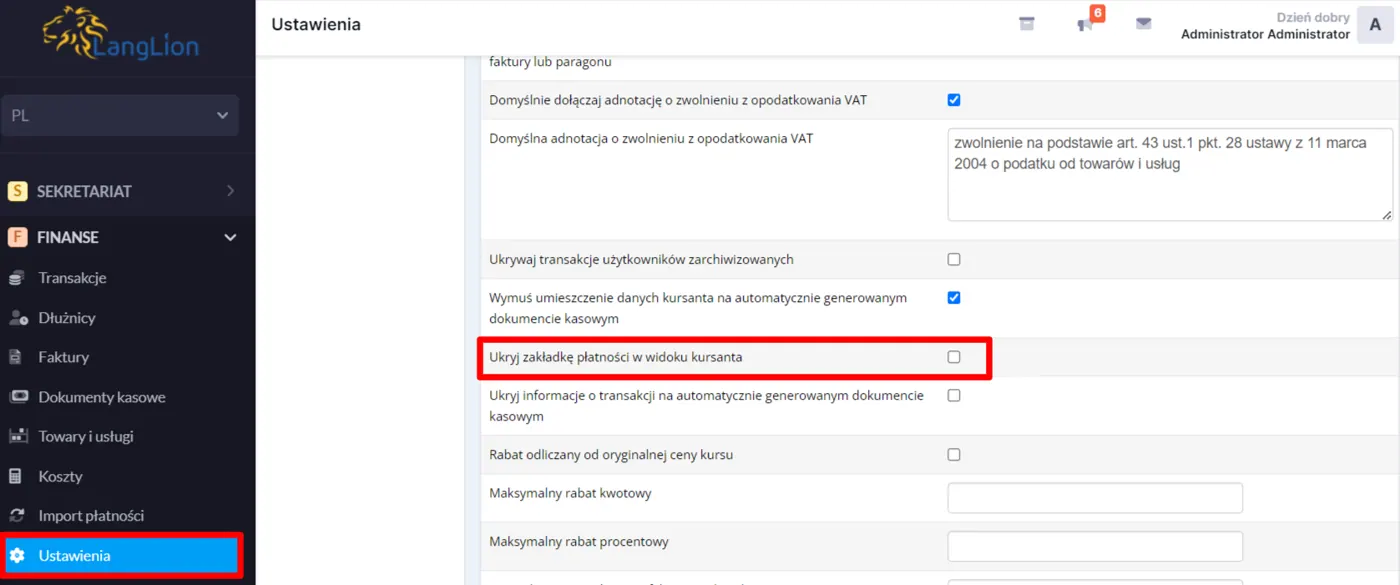
Done – payment information is now shown in students' accounts.