
In the "Finance" module of the LangLion Platform, you can add and sell products other than a foreign language course.
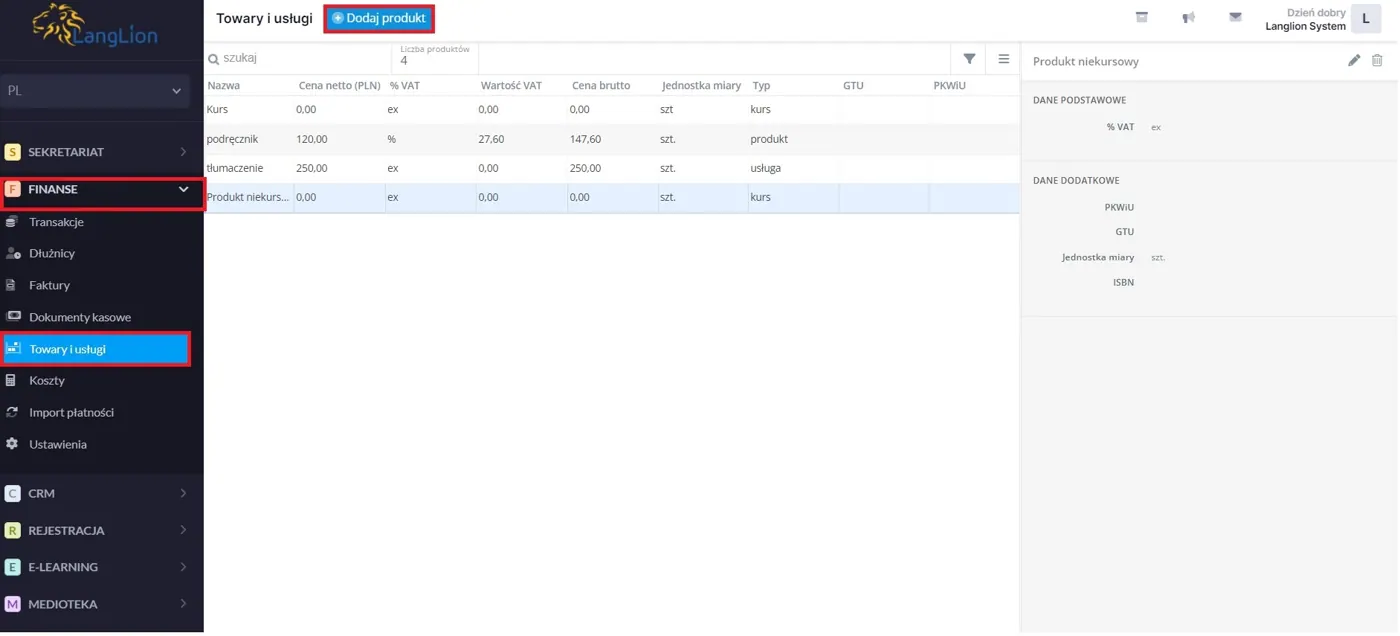
In the "Goods and services" tab, add further items (e.g. coursebooks), which you can then choose when adding a transaction for a student.
After you click the “Add transaction” button (in the student’s “Payments” tab or in “Finance” → “Transactions”), the product related to the course is shown by default, but you can choose the product you want to sell to the student. To do this, click the product name, choose the right item from the list of goods and services and save the changes.
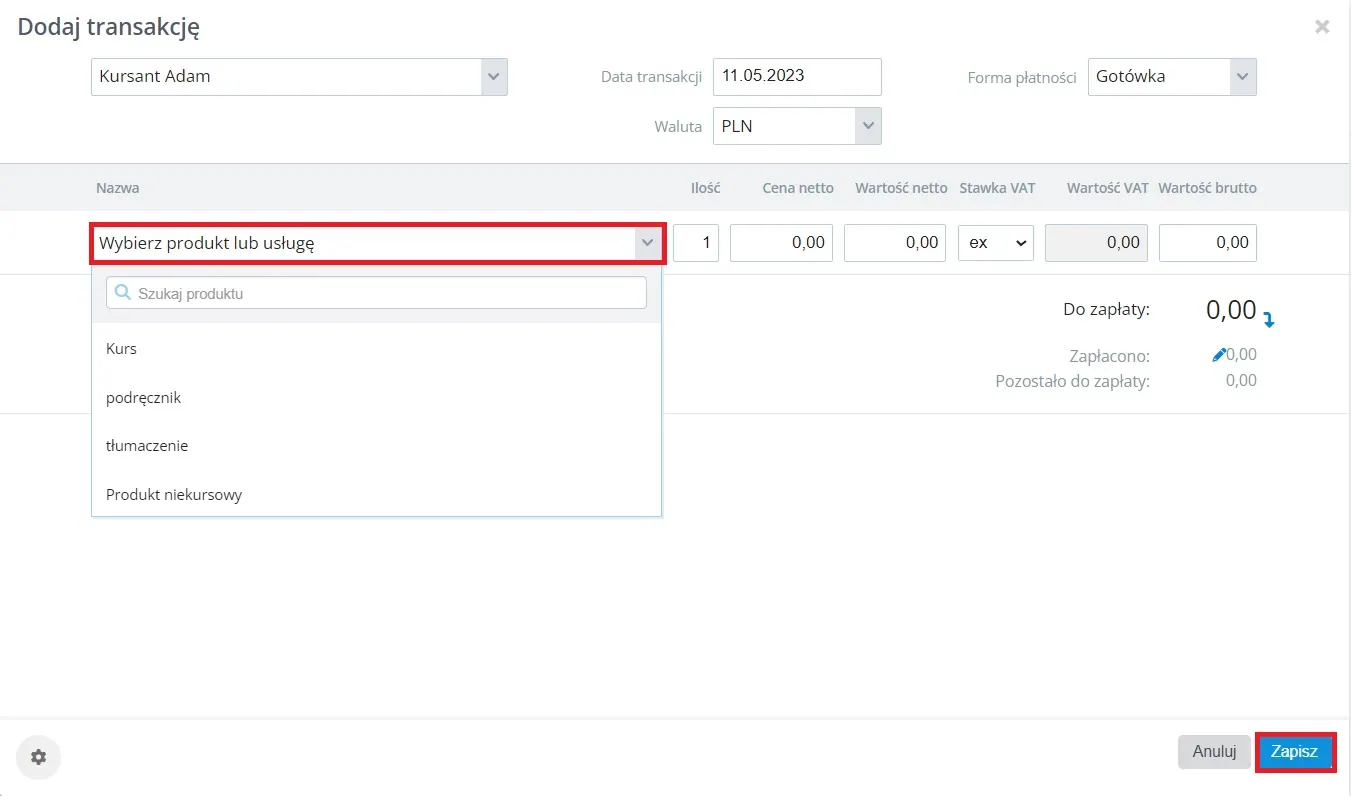
Done, the transaction has been saved and it does not affect the student's instalments.
The “Add payment” icon (“+”) next to an existing transaction adds a payment to that particular transaction – it has no product choice.